iPhone · iPad · Mac
SUS4 DAW Help
Step-by-step answers for Logic, Pro Tools, Ableton and more, mid-session.
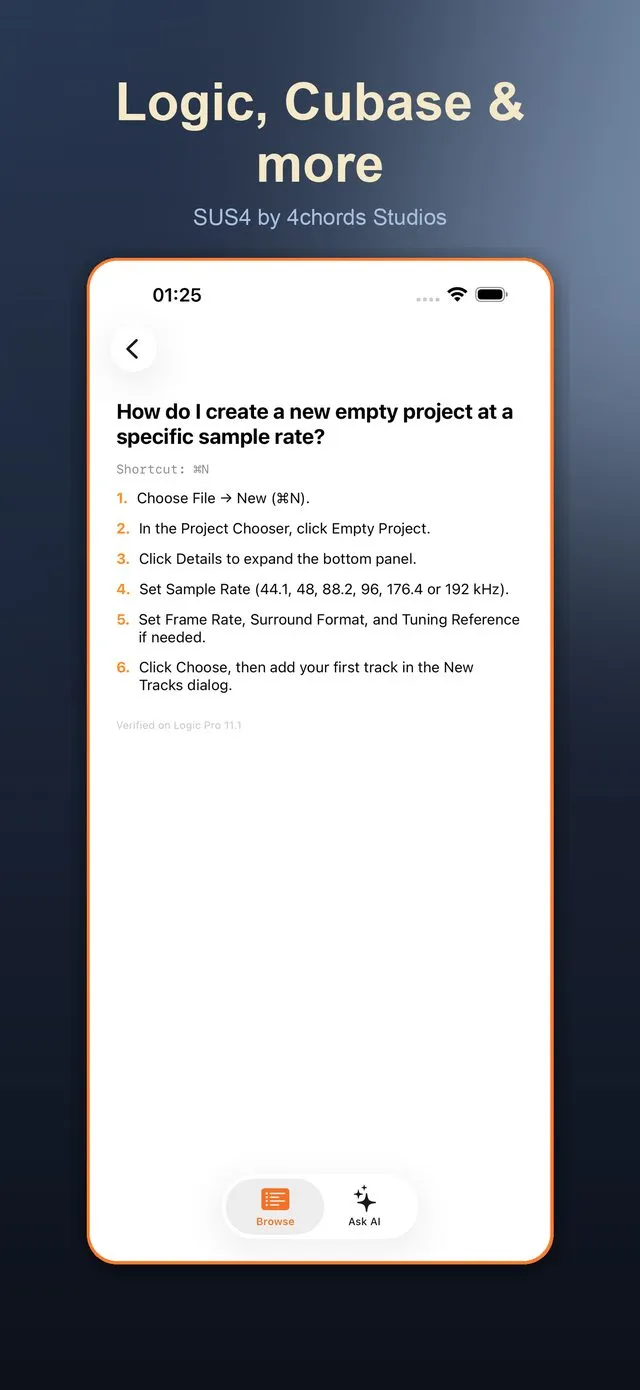
SUS4 DAW Help is a searchable library of step-by-step how-tos for seven DAWs: Logic Pro, GarageBand, Pro Tools, Cubase, Ableton Live, Studio One and FL Studio. Available on iPhone, iPad and Mac, it answers the "how do I do that again?" questions that stall a session.
Rather than a manual or a tutorial, DAW Help is organised around the moment you are stuck. Type or speak your question in plain English, pick your DAW, and get the answer as numbered steps, with the keyboard shortcut where there is one and the version it was checked against. Topics run from setup and recording through editing, MIDI, mixing, automation, plugins, tempo, exports and troubleshooting.
When the library does not cover it, the Ask AI tab takes a free-form question about your chosen DAW and answers in a few practical steps, and a quick quiz helps the answers stick.
Available on
Goes well with
- SUS4 Mix CheckCompare your mix against references and catch level mistakes early.
- SUS4 RecorderCapture the idea before it disappears.
- SUS4 Loop BuilderRecord and stack loops on up to eight tracks until the groove locks in.
Made by a working recording studio
SUS4 is made by 4chordsStudios, a recording studio in a quiet UK village with a live room and a Dolby Atmos mixing room. We work with independent artists from the first session to release day and beyond.