Record first, write second
The fastest way to lose an idea is to start by typing. Open a new sketch, tap the mic under Voice notes and sing or play it straight away, even if it is only a hum. Everything else can wait. The recording holds the feel, the rhythm of the words and the tempo that you will struggle to rebuild from notes alone.
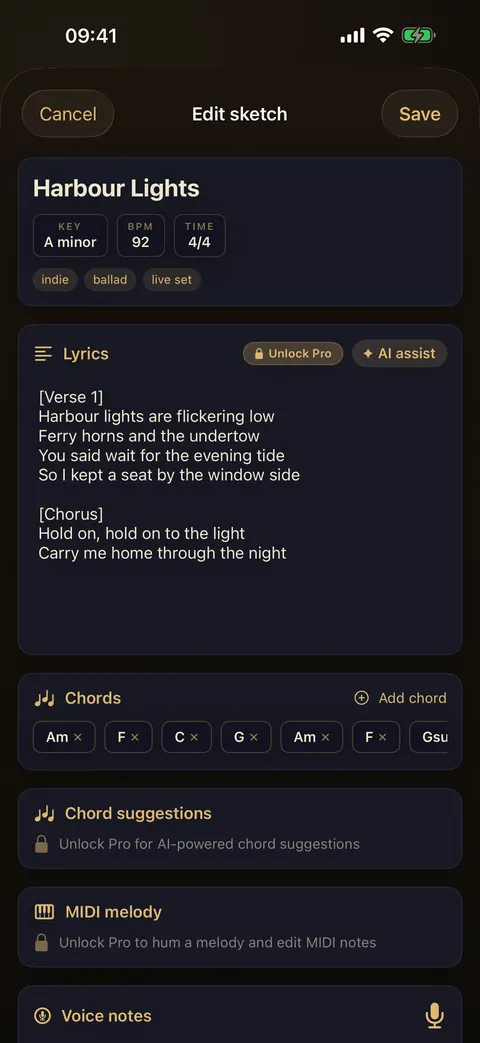
Then tap the chips under the title. Key offers all 12 major and 12 minor keys. BPM has a slider from 40 to 220 and quick picks from 60 to 180. Time lets you set beats per bar (2, 3, 4, 5, 6, 7, 9 or 12) and the beat unit. It takes ten seconds and saves you working it out again later.
Chords and words
Tap Add chord to build the progression. Pick a root (C to B) and a quality: major, m, 7, maj7, m7, sus2, sus4, add9, dim or aug. Chords appear as chips in order, and you can remove any of them with one tap. Keep the progression to the section you have. A verse on its own is a perfectly good sketch.
Type what you have under Lyrics, even if it is only a title line and a hook. Mark sections with [Verse] and [Chorus] so the shape of the song is clear when you come back. Notes & tags at the bottom is the place for the rest: "try it slower", "sounds like the bridge of the other one", and tags such as ballad or live set so you can find it again.
Humming a melody (Pro)
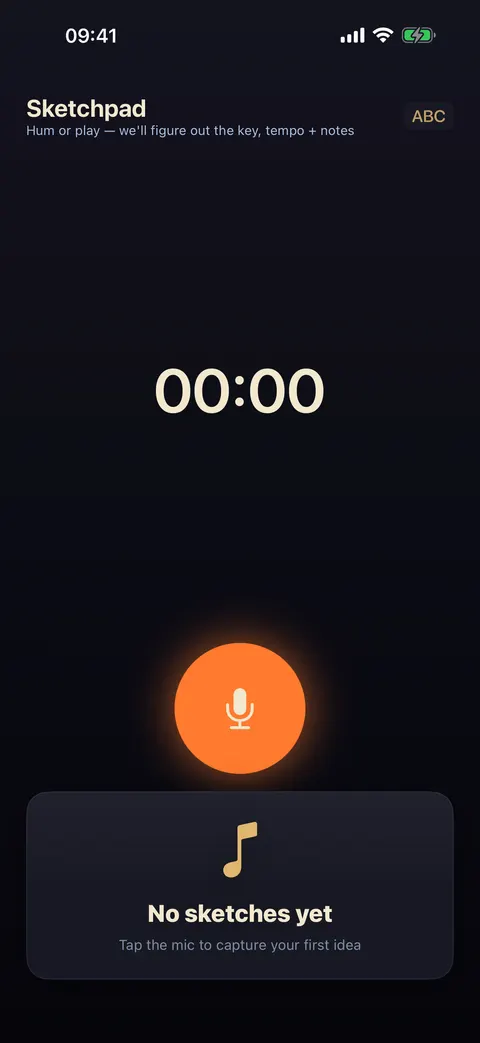
Capture melody, on the notebook screen, listens while you hum or play and works out the key, tempo and notes for you. With Pro, the melody is saved to the sketch as MIDI. You can edit the notes in a piano roll and export a .mid file to finish the idea in your DAW. Pro also adds AI chord suggestions and an AI assist for the lyric, which offers lines you can Append, Replace or Dismiss.
Coming back to it
A sketch is only useful if you return to it. Once a week, open the notebook and play back three old voice notes. Most won’t survive, and that’s fine. The one that still makes you want to pick up a guitar is the one to take further: fill in a second section, record a better voice note, and when it is ready, take it into a writing session or a studio day.